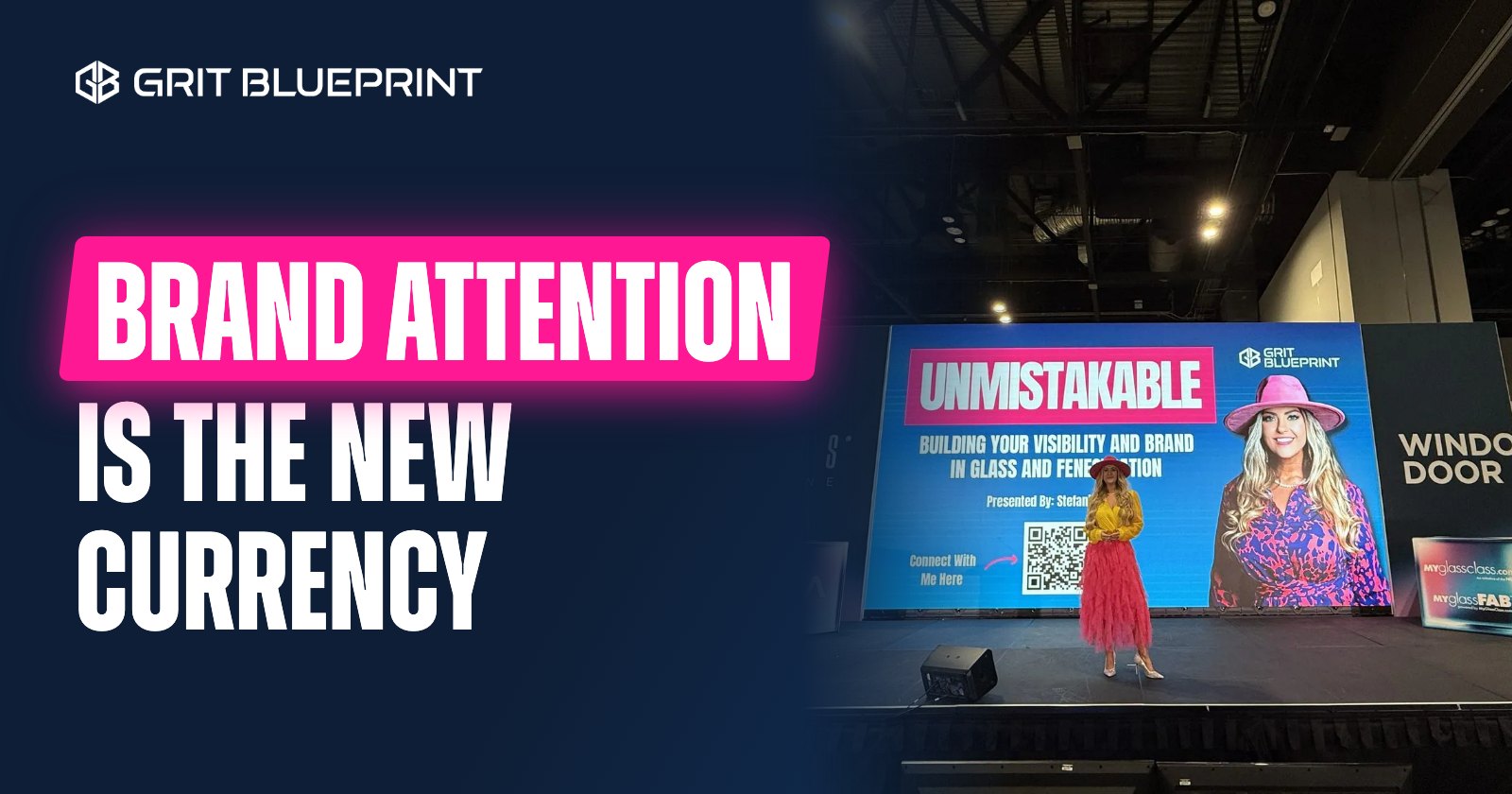


Building industry leaders should post what they already explain at work: the questions customers ask, the decisions behind a job, and the lessons a new hire needs. Look back at this week. A product question, a sales handoff, or a training moment can become a post that a buyer or a peer can use.
If you run a lumberyard, that might be what a contractor should ask before placing a special order. If you lead a plant, it might be why a drawing change needs one named owner. If you sell windows and doors, it might be how to tell a product someone likes from a product that fits the job. Any of those says more than "Proud of our amazing team."
Start With Something That Happened to You
I grew up in my dad's lumberyard ringing people up. Then came my first day selling doors in two-step distribution. I had sold a lot of doors, but I had always called someone like Tucker, said what I needed, and let them figure out the rest. Now I was that person. I had to learn sash size versus frame size, rough opening dimensions and all that math. Every single day I had my little fraction chart.
I told that story in my podcast conversation with Ron Herrin and Lee Allen of Tucker Door & Trim, and I asked how to teach the next generation those details. Ron's answer was to put new people in the plant so they understand the why.
A good leader post has that shape. It tells what happened and what it taught you, and it gives someone else a way to use it. A sales manager who reads it could have a new hire follow one order through the shop next week.
If you do not have a story for a point, teach the point plainly. Never make one up.
Write Each Post for One Reader and One Decision
Before you write, finish this sentence: "This is for someone who needs to decide ______." It might be a dealer principal deciding how to train a new millwork salesperson, a sales manager deciding what a rep must collect before quoting, or a contractor deciding what to bring to a window consultation. Help with that one decision and stop.
Five Kinds of Posts a Leader Can Write
1. Answer a Question Customers Keep Asking
Ask the counter team what they explained three times this week, such as what to bring when you ask for a custom door quote, or why two products that look alike can have different lead times. Give the answer early. When it depends on the product, say so and point to the maker's current documents.
2. Explain a Decision Behind the Finished Work
A project photo shows what happened. Your explanation shows how your team thinks. For a project you have permission to discuss, name the limit you were working with, the options, and why you picked the one you did. If nobody measured the result, say what changed and leave out claims about sales or errors.
3. Teach One Part of the Job
Keep it small. "How to sell better" is a book. "What to confirm before you promise a delivery date" is a post.
4. Give a Team Member Credit for Something Specific
Skip the group photo. With their OK, show the detail an experienced operator checks, or the question a new hire asked that made training better. Let the person read any quote before it goes up.
5. Share a Take You Can Defend
A good take explains a tradeoff. For example: "I would rather send a customer a clear update tomorrow than promise an answer today that the shop has not confirmed." Then say when that applies and what you would tell the customer.
A Four Week Plan With Eight Posts
Two posts a week is a pace most leaders can keep with real material. It is a starting point for your calendar, and LinkedIn does not reward any set number. If one useful post a week is all you have, post one.
| Week | First post | Second post |
|---|---|---|
| 1: Help a buyer | What you need before you can quote a custom door. | One term buyers mix up, such as frame size and rough opening, checked by your product expert. |
| 2: Show a decision | A choice behind an approved project or showroom display. | Why your team checks the shop schedule before giving a delivery date. |
| 3: Teach the work | One task a new salesperson should learn from operations. | Credit a team member for a specific skill, with their OK. |
| 4: Give a take | One industry habit you would change and what you would do instead. | Answer a question someone asked in the comments this month. |
Before each post, gather the real question, the current product reference, any approved photos, and the name of the person who can check the facts. Some of these belong on the company page instead of your profile. To sort them, see what belongs on a company page and what belongs on an executive profile.
A Simple Outline for Each Post
- Name the situation. What happened, or what does the reader need to decide?
- Add the detail. What would someone who does this work notice?
- Give your judgment. What do you recommend, and why?
- Make it usable. A short checklist, an example, or a next step.
- End when the help ends. Ask a real question or point to a resource. Not every post needs a pitch.
Here is a teaching post a sales leader could adapt. It does not pretend a customer story happened: "Before you promise a delivery date on a custom order, find out who checked the shop schedule. 'The customer needs it Friday' is a request until the shop confirms it. Tell the customer you got the request, who is checking and when they will hear back."
Use text when the reasoning is the useful part, a photo when the reader needs to see a detail, a short video when movement matters, and a document when someone should work through a checklist. Add captions to video. Get permission before you show a customer's property or people who have not agreed to appear. If you freeze up on camera, see how to interview a leader who hates being on camera.
How to Use AI Without Making Up a Story
Record a voice note after a meeting or a training session. Leave out anything confidential. Tell your writer or your AI tool who the post is for, what happened, what you recommend, and what must not be named. Ask for an outline or a tighter draft. Then read every "I" sentence and ask if you really said it, did it, or saw it. Never let a tool add a customer story, a result, or a quote.
How to Tell if the Posts Are Working
After a month, look past the likes. Which posts started a real conversation with a buyer, a dealer, or a possible hire? Which topics came up again on sales calls? When someone reaches out, ask what brought them and write it down. Judge the month by those conversations. A comment on its own does not tell you much.
Your first post is probably in this week's work. Pick one question you answered, write the answer in plain words, add one detail from doing the job, and give one next step. If your leaders have more to say than time to write it, see how Grit Blueprint helps leaders turn what they know into posts and video. For one example, Russ Kathrein's personal brand story shows the 28 LinkedIn posts Grit Blueprint prepared for him from his own experience in lumber and building materials.
Questions and Answers
Post the questions you help customers answer, the decisions behind your team's work, one part of the job you can teach, credit for a team member's specific skill, and a take you can defend. Each post should help one kind of reader make one decision.
Start with a pace you can keep with useful material and time to answer comments. Two posts a week for four weeks is a good starting point for your calendar. It is not a rule LinkedIn rewards. If you can only do one useful post a week, do one.
Give each a clear job. A leader's profile carries personal judgment and firsthand experience. The company page carries official updates, product resources, and team news. Adapt the material for each one instead of posting the same personal story from several accounts.
Answer the question underneath without naming the customer. Use a clearly labeled made-up example or a plain explanation. Do not lightly disguise a project people could still recognize and assume that makes it safe to share. When in doubt, ask for permission first.
Use it to outline or tighten a draft from your own voice note. Tell it who the post is for, what happened, and what must stay private. Then check every first person sentence. Never let a tool add a customer story, a result, or a quote you did not give it.
Want Help Putting It to Work?
A free call with Stefanie Couch. About 30 minutes.
Not ready to talk? Get the Built to Win Newsletter

Written by Stefanie Couch
Founder of Grit Blueprint and the front-facing voice of the brand. Stefanie helps companies across the building industry turn hard-earned trust into visible proof, useful content, and AI-search-ready authority. Known on stage, on the mic, and for her signature pink hat.