
A building product page should answer three questions before a buyer calls. Is this the right kind of product? What do I still need to check? Who can help me take the next step? That means the exact product name, what it is made for, current documents with clear names, and an honest next step such as finding a dealer or asking for a quote.
A great photo cannot do all of that. Neither can a pile of PDFs named in a way only your product manager understands.
The page does not replace your sales team. It helps the buyer show up to that first call with a better question.
Name the Product a Buyer Can Ask For
Put the maker, the series, and the product type near the top. Make it easy to see how a product family relates to one specific version.
"Premium window solutions" does not tell a dealer if they are looking at a casement, a replacement unit, or a new construction window. Keep the brand promise. Just put the facts right next to it.
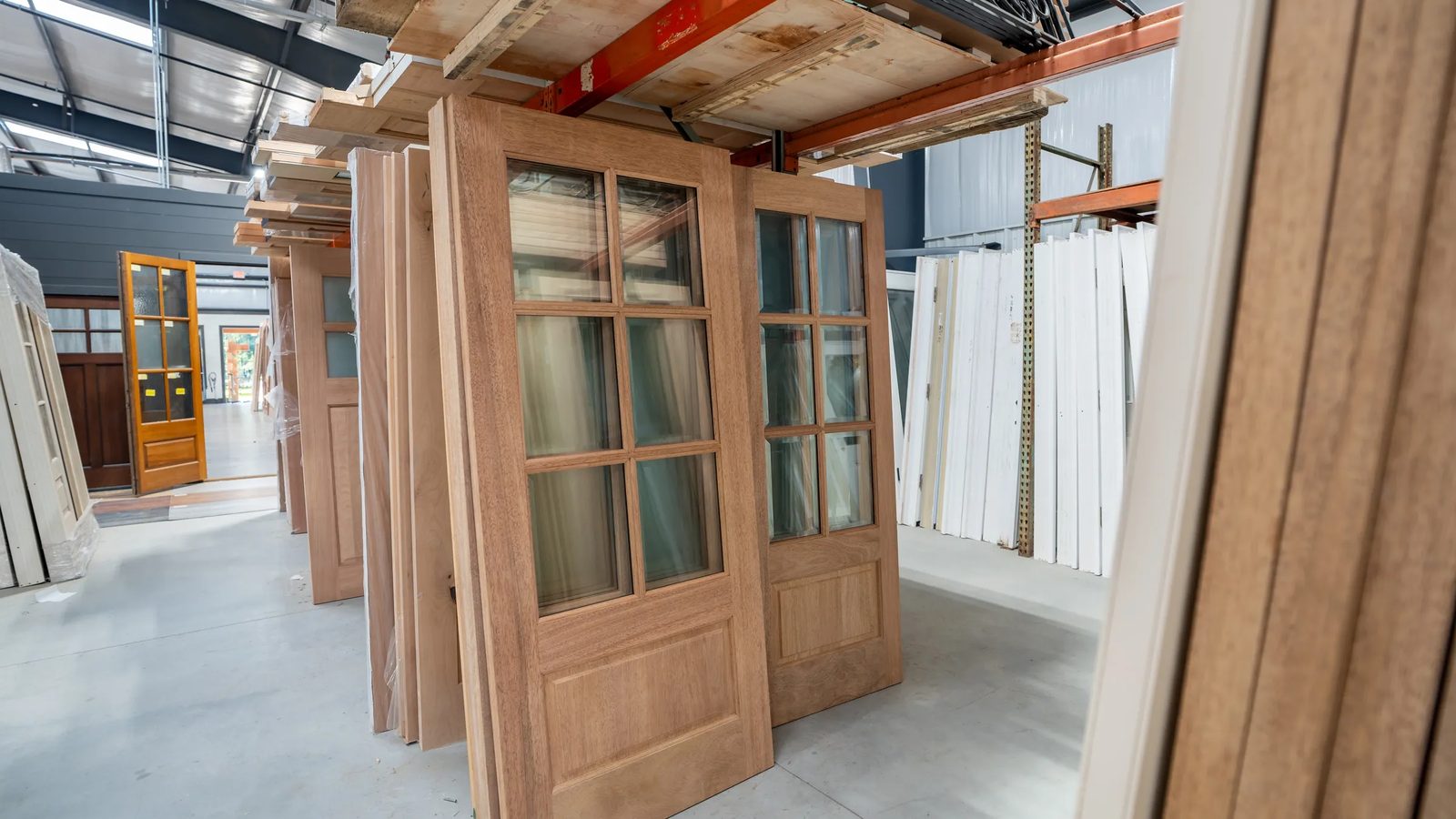
Show a real photo of the product. If an image is a rendering, label it. If the photo shows optional hardware or a finish that costs more, say so. The picture should not promise something the order form cannot deliver.
Explain What It Fits Without Choosing for Them
Say what the product is made for. Then list the things that change the choice. Those might be opening size, weather exposure, how it operates, wall conditions, or where the project is.
Do not claim it "works anywhere." If ratings change by size, glass, or setup, say that, and point to the current source. Have the maker's technical team, or another qualified reviewer, sign off on any performance or installation claim.
A short paragraph on a web page should help someone ask a better question. It should never stand in for a review of their project.
Give Documents Names People Understand
A buyer should not have to open six downloads to find the install guide. Group the files by the job they do.
- Product data and options
- Drawings and spec files
- Installation instructions
- Warranty and care
Use the full document name, the series it covers, and the revision date when you have it. Name one person who checks those links when the maker updates a document. A link can work and still open the wrong version.
Put the key facts in plain text on the page, too. Google suggests making important content available as text for its AI search features. That does not mean pasting the whole install manual onto the page. It means not hiding every useful fact inside an image or a PDF. See Google's guide to AI features and your website.
Two public examples show what this looks like on a real site. The Tucker Door & Trim website that Grit Blueprint built sorts products by category and by brand, with catalogs and warranties on the same site. The Architectural Door & Millwork site puts product categories, downloadable resources, and its ADAM Q quoting tool in one place for its dealers. Those pages show what was built. They do not show sales results.
Say What the Next Step Takes
If you sell through dealers, say so before a buyer fills out a form meant for trade accounts. If a branch needs an appointment for product selection, say so before someone drives over.
A quote form can tell the buyer what helps your team respond. That may be the product or series, the project location, quantities, and any documents your process needs. Do not ask for project details you will not use just because a form can collect them.
Skip public stock or lead time claims unless someone owns keeping them current. "Ask this branch to confirm availability" is more useful than a promise that went stale last month.
Whether a product page should send people to a dealer or to a quote form is its own decision. Read dealer locator or get a quote for that one.
Mark Up One Page Before You Rebuild the Catalog
Try this on one page. The product here is made up: "Example Series 400 Casement." It is not a real spec.
| What the page says | What the reviewer should ask |
|---|---|
| High performance | Which rating, which setup, and which official source backs it up? |
| Lots of options | Where can a buyer see the real, approved options? |
| Download PDF | What is the file, which series does it cover, and is it current? |
| Contact us | Who answers, and what should the buyer send? |
Give the page to one salesperson and one technical reviewer. Have each mark anything they would have to correct on a call. Fix the gaps they both found first.
What About Product Markup for Search?
Product structured data is code that describes a product to search engines. It can make a page eligible for richer search results, but Google decides whether to show them. See Google's product structured data guide. It does not replace clear content a buyer can read. If your page is for trade buyers and shows no price, do not make one up to fill in a template.
Before you add another product page, make one page good enough that a rep would send it without typing a paragraph of corrections. If architects are part of your buyer mix, the next step is helping architects specify your line.
Questions and Answers
The maker, series, and product type near the top, a real photo, what the product is made for and what changes the choice, current documents with clear names and revision dates, and an honest next step such as finding a dealer or asking for a quote.
Group files by the job they do: product data and options, drawings and spec files, installation instructions, and warranty and care. Use the full document name, the series it covers, and the revision date, and name one person who checks the links when a document changes.
Put the key facts in plain text on the page and keep the full documents as downloads. Google suggests making important content available as text for its AI search features. That does not mean pasting a whole install manual onto the page.
No. Product structured data can make a page eligible for richer results, but Google decides whether to show them. If the page is for trade buyers and lists no public price, do not make one up just to fill in a template.
Pick one page. Have a salesperson and a technical reviewer each mark anything they would have to correct on a call with a buyer. Fix the gaps both of them found first, then use what you learned on the next page.
Want Help Putting It to Work?
A free call with Stefanie Couch. About 30 minutes.
Not ready to talk? Get the Built to Win Newsletter

Written by Stefanie Couch
Founder of Grit Blueprint and the front-facing voice of the brand. Stefanie helps companies across the building industry turn hard-earned trust into visible proof, useful content, and AI-search-ready authority. Known on stage, on the mic, and for her signature pink hat.